


Archive material: this guide relates to the 2018 Lue Luppakorvalle pilot. The installation links, device requirements, number of levels and pilot support hours mentioned here may not describe the current app. Contact Outloud for information about the current version.
The app is easy to use and guides you whenever needed. The best way to learn is to try it. Here are a few basics to help you get started.
How does the app work?
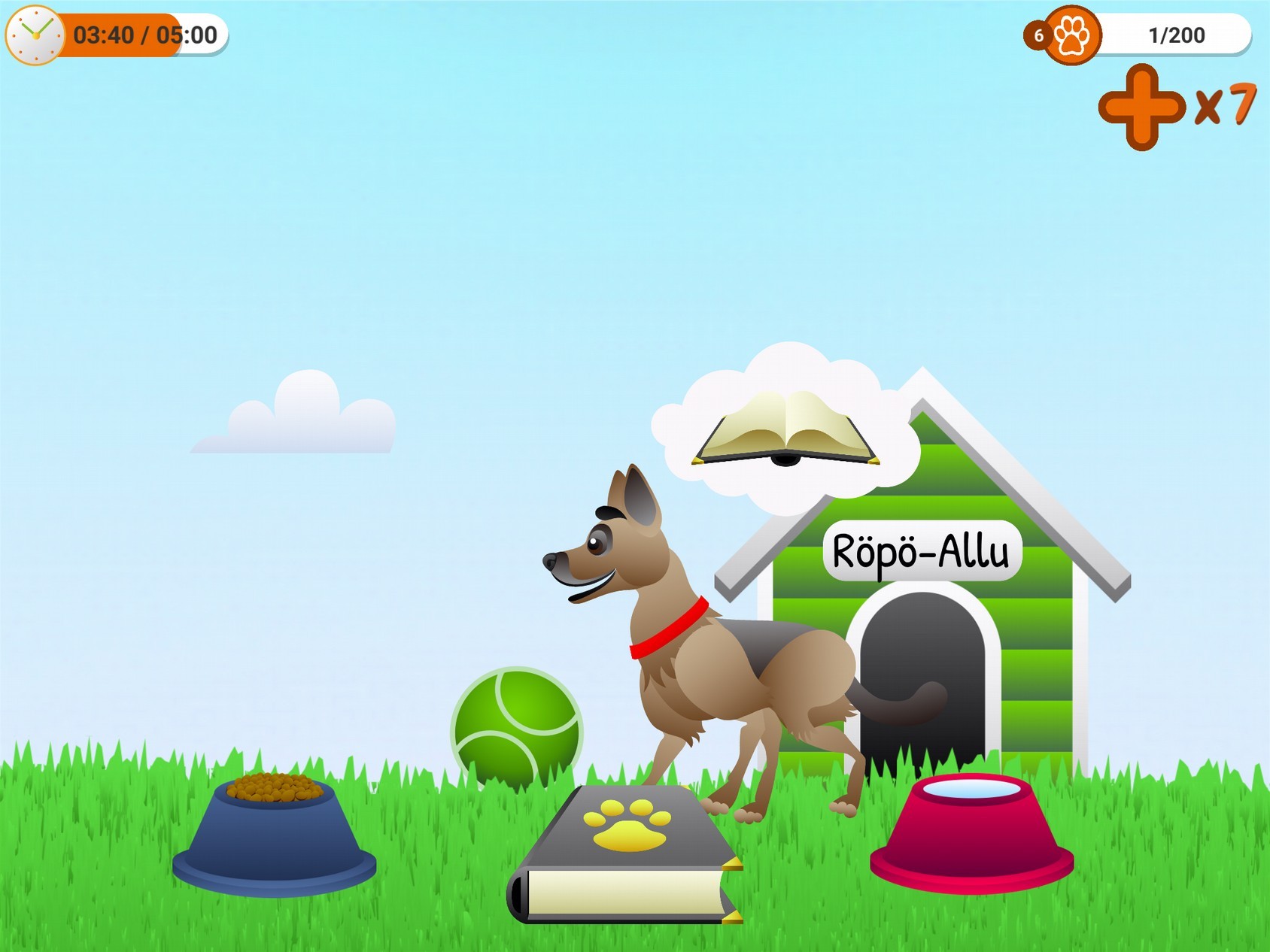
- The app contains a small virtual world where a virtual dog lives. At first, you can look after the dog by clearing up its mess and giving it a scratch. You can only progress to the next levels by reading to the dog. Reading earns points. When you reach the required number, you are rewarded with more items for looking after the dog, allowing you to name it and give it food and water, among other things.
- The app does not provide the reading material. The child reads a text chosen by the teacher or by the child. It can be anything: a word list, a reading primer, a children’s book, a non-fiction book, a newspaper, reading homework or something similar.
- To track reading and award points, speech recognition software first converts the user’s speech into text. The more Finnish words it recognises from the app’s word list, the more points the user earns. As well as recognising words, the app measures the time spent reading.
- The app automatically makes sure it cannot be used just for play. If the child does not read to the dog, it first reminds them to read and eventually disables the other activities and asks them to read.
- Unfortunately, the dog does not know when the reader has finished a paragraph or page. It may give a reward in the middle of a sentence when the required score is reached. It is therefore best to choose a text where occasional interruptions do not matter.
Limitations of the pilot version
- At the time of the pilot, the app had 15 levels, with the final level effectively impossible to complete. If children reach the end during the pilot or a level becomes too difficult, the app can be uninstalled and reinstalled to start again from the beginning.
A few practical tips
- Give children time and space to play and experiment with the app, even if this tests an adult’s patience at first. Becoming absorbed in the game world nurtures enthusiasm and motivation. If looking after the dog and using the app feels fun and engaging, children will naturally read much more along the way than they would without it.
- At some point, a child may test or try to ‘trick’ the app, for example by repeating the same word or sentence or making up stories without a book. As an educator, you are best placed to judge how firmly to encourage the child to focus on the book and reading. Children often become bored with repetition after a while and return to reading.
Having trouble with the app?
- Check that the device is online and the internet connection works.
- Close the app and open it again.
If this does not solve the problem…
- First, ask the app’s support team and other pilot participants for help in the Lue Luppakorvalle community: https://www.facebook.com/groups/lueluppakorvalle/ – someone else may have exactly the same problem or know the solution.
- For non-urgent matters, you can also email the pilot coordinator at johanna.roihuvuo@outloud.fi – the coordinator aims to answer support requests within 24 hours. Replies may take longer during the autumn half-term break, 15–19 October 2018.
- For urgent help, call the coordinator on 044-5070781 or send a text message requesting an urgent call back.
Downloadable file
Download the Luppakorva user guide – 2018 pilot (English PDF, 271 kB)